Quadruped
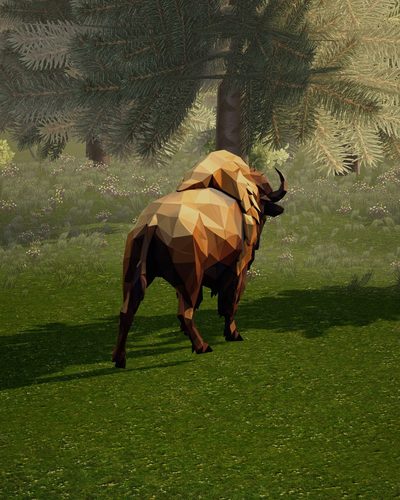
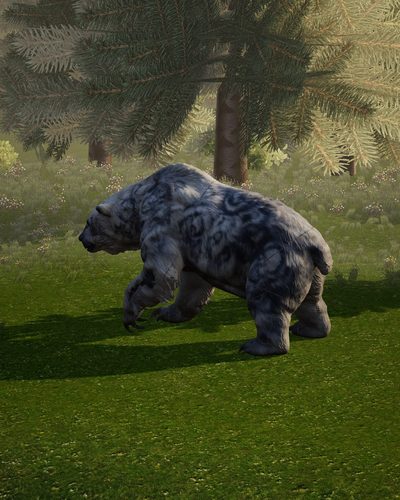
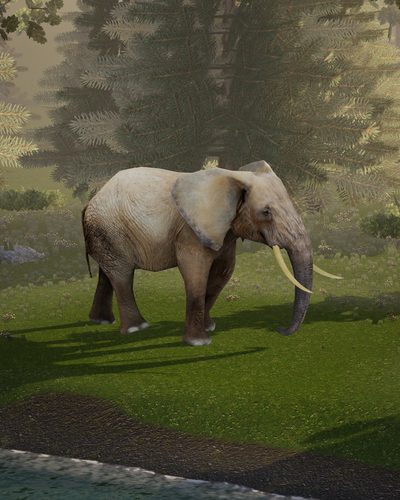
Dogs, cats, bears, cows, pigs, rabbits, mice, elephants, giraffes, turtles
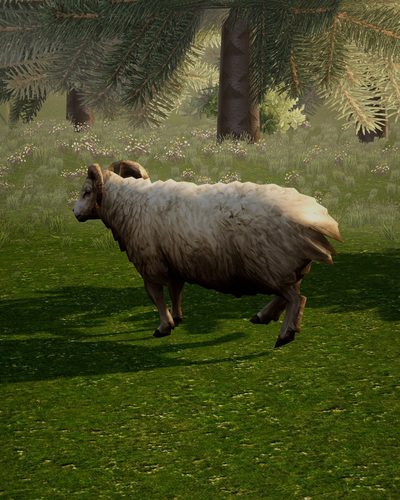
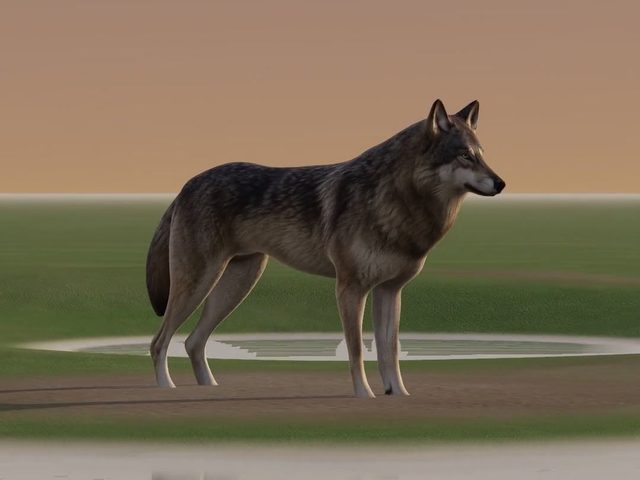
The template for animals that stand on four legs: head, neck, spine, tail and four legs, fitted to the mesh and skinned for walking.

Drop a 3D model or a picture of an animal. V3 finds its category, builds the skeleton and skin from the geometry in seconds, retargets the animation clips at once and checks the quality in the background of the viewer.
Every category has its own skeleton template, fit rules, skin rules, clip library and quality checks. V3 detects the category of your model, and you can still edit the skeleton in the viewer.
Dogs, cats, bears, cows, pigs, rabbits, mice, elephants, giraffes, turtles
The template for animals that stand on four legs: head, neck, spine, tail and four legs, fitted to the mesh and skinned for walking.
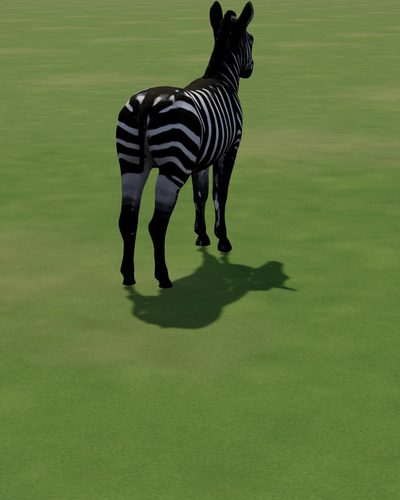
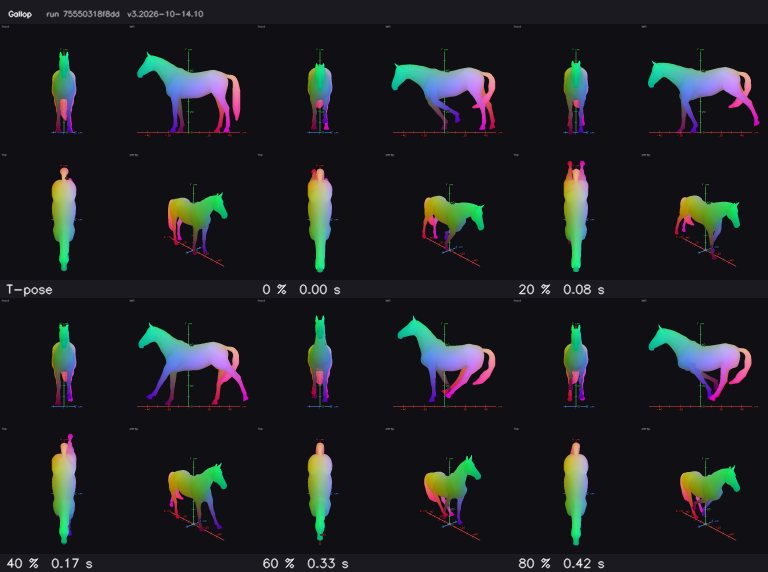
Horses, deer, zebras
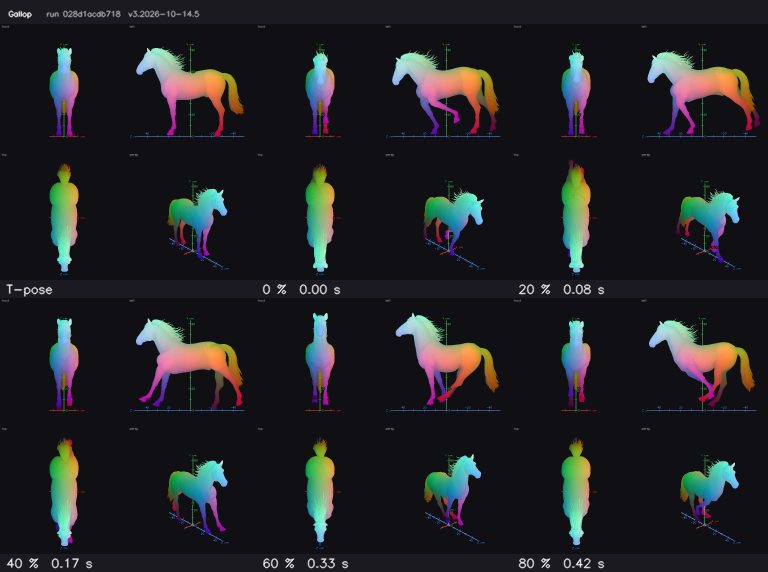
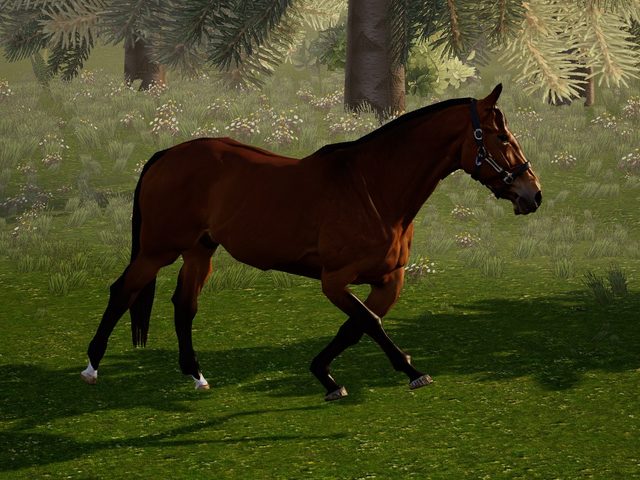
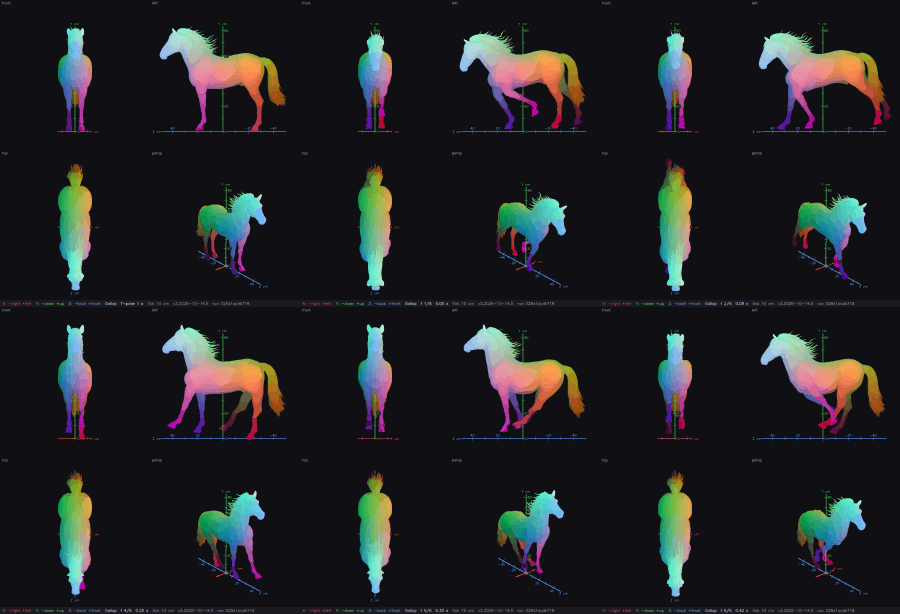
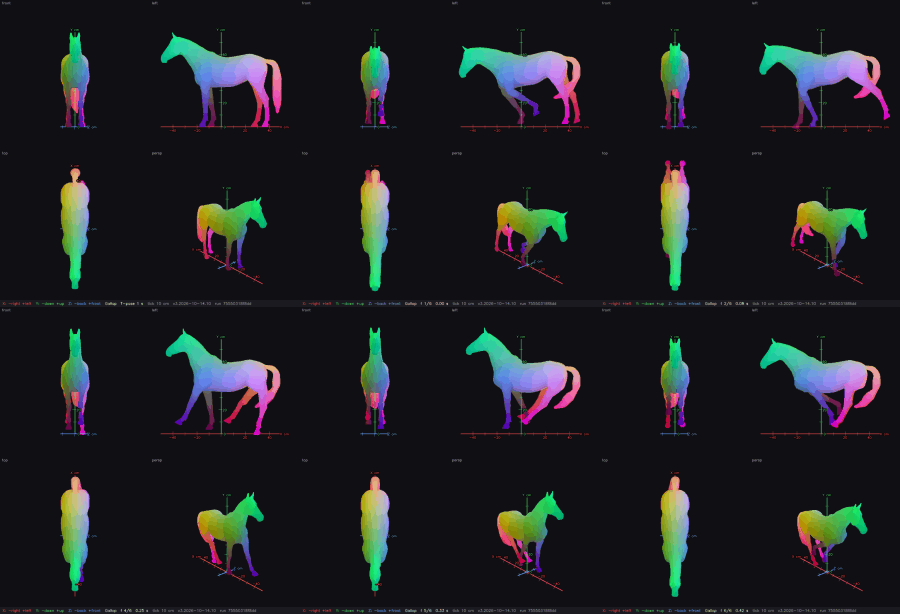
A richer template with scapula, elbow, mid-neck and leg profile joints. Gaits keep the hooves planted: walk, trot, gallop.
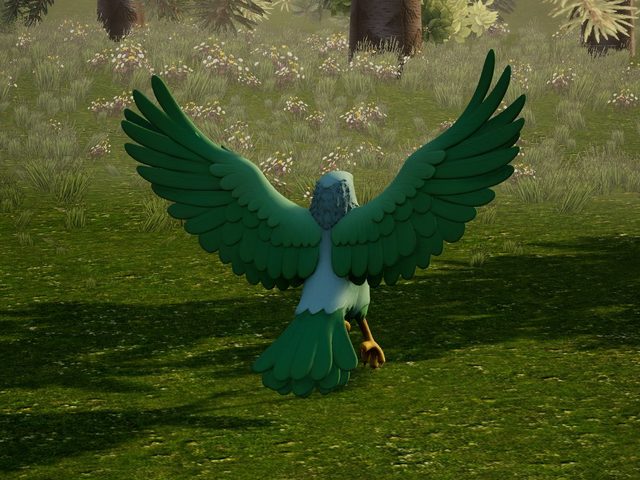
Birds of prey, parrots, chickens
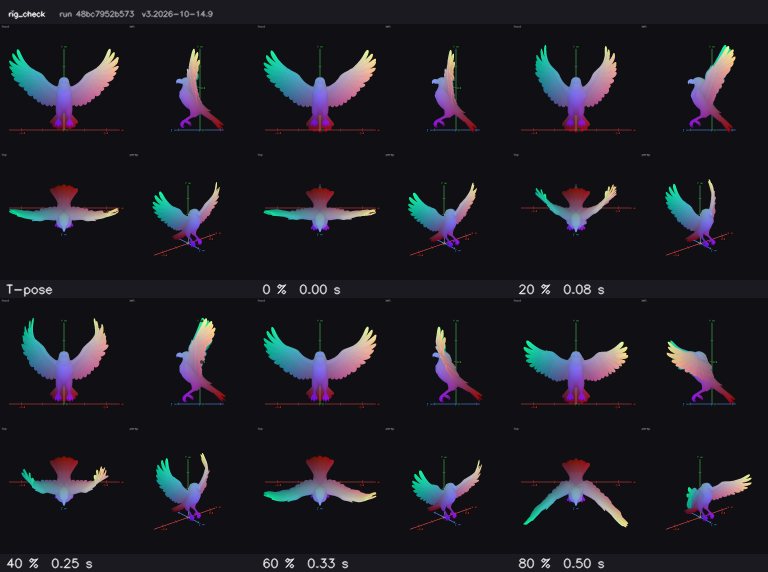
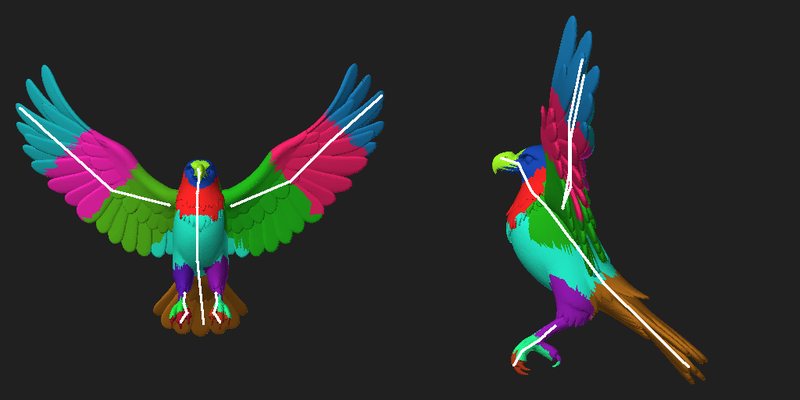
Wings are rigged as wings, never as arms: the wing has its own joints, and the body, neck and legs follow the bird template.
Snakes, eels, worms, long-bodied dragons
A long body without legs. The skeleton runs along the body as one chain, so the whole body can bend.
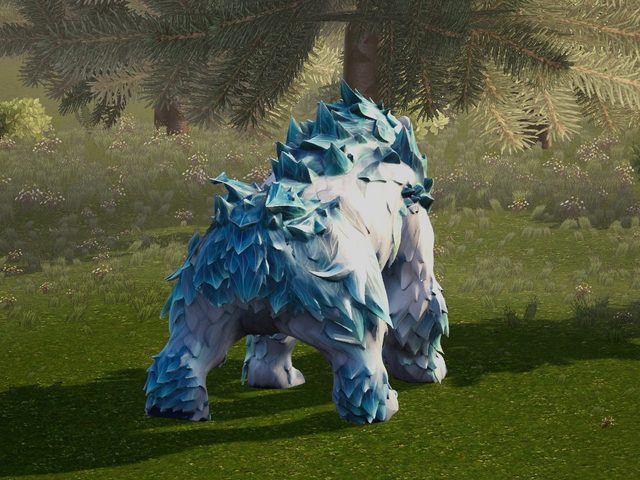
Fantasy beasts, creatures with odd proportions
Creatures that fit no plain animal get their own template, fit rules and skin rules instead of being forced into a dog or a horse.
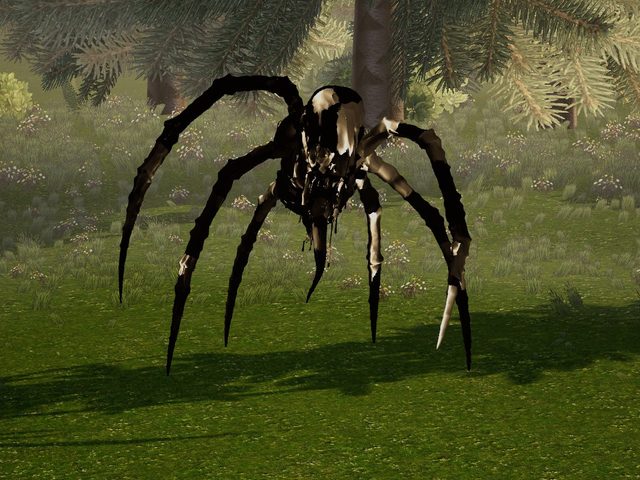
Spiders, crabs, insects, many-legged robots
Bodies with more than four limbs. Every leg gets its own chain, so each one can move on its own.
One upload zone takes any input. The four steps below run without you clicking through them.
A 3D model (GLB, FBX, OBJ, ZIP with textures) or a picture of the animal. A picture becomes a 3D model first, then it is rigged. A model's own textures are kept; a model without textures gets PBR textures automatically.
V3 detects the category and fits that category's skeleton template to the geometry.
The fast rig builds the skeleton and skin from the geometry in seconds, and the category's animation clips are retargeted at once. The target is a rigged, animated model within one minute from pickup.
Joint placement, skin tears, limb collisions and numeric deformation QA run in the background of the viewer while you already watch the animal move.
A horse is not a dog with a longer neck. The equine template adds the joints that make a gait read right, and the clips are made with planted hooves.
The shoulder blade moves with the front leg, so the shoulder deforms like a shoulder.
A separate elbow joint in the front leg.
The neck bends in the middle as well as at its base.
Joints along the bends of the leg as seen from the side.
A hoof that touches the ground stays on it while the body moves over it. Gaits: walk, trot, gallop.
A bird's wing is not an arm. V3 rigs it with wing joints of its own, so the wing opens and folds as a wing, while the body, neck and legs follow the bird template.
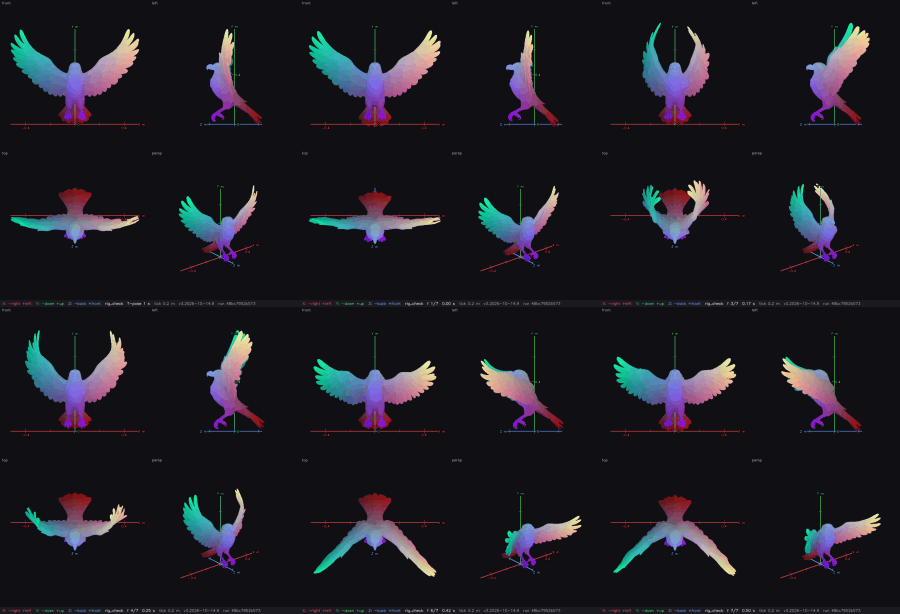
Nobody animates one model by hand. Each category keeps its own library of clips, and every new model of that category gets them by automatic retarget.
For every category the engine generates reference videos of gaits and actions: walk, trot, canter, gallop, idle, rear, look around, attack and more. Each video is quality-checked before it is kept.
The motion is extracted from the video once, so the clip can be reused for every model of the category.
Each clip is retargeted onto the new rig automatically and measured by numeric QA. Procedural clips are only the fallback when a category has no clip yet.
You can add your own clips in the viewer.
The viewer shows the skeleton and offers it for confirmation. You do not have to answer: the animation is made without waiting for you.
One task is one viewer. It opens on a black scene at once and plays the stages (voxels, erosion, bones, rig) while the mesh loads. Then it loads the environment scene.
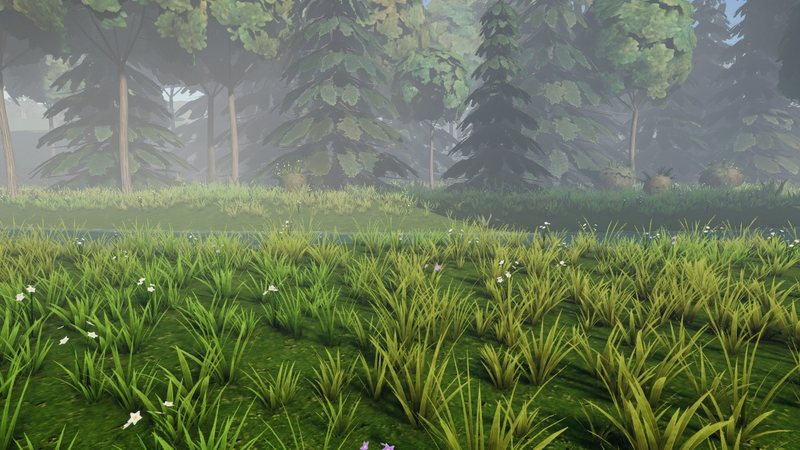
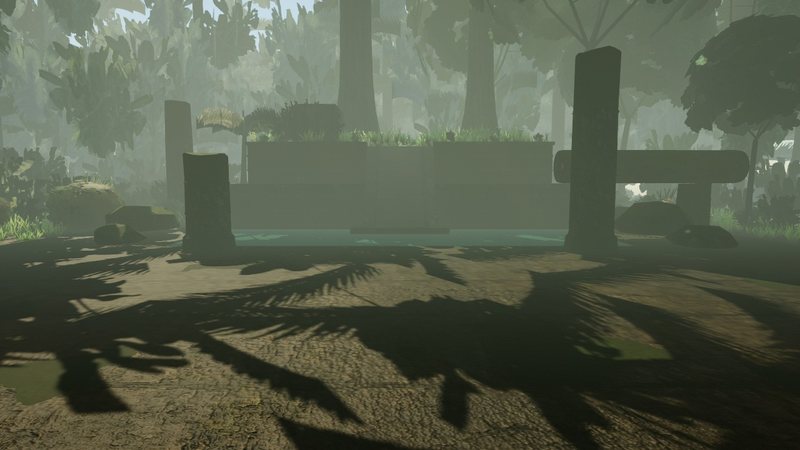
A stage that makes the rig right stays in the conveyor, even when it costs seconds.
Every retargeted clip is measured, not eyeballed.
Joint placement, skin tears, limb collisions and deformation are checked while the viewer is already open.
A model that once rigged badly joins the regression suite, so the same defect cannot come back.
The engine goes live only after the regression autotests pass.
A focused page for each body shape. The links are in the HTML, so every page can be crawled directly.
Short answers for creators who rig animals and creatures.
Quadrupeds (dogs, cats, bears, cows, pigs, rabbits, mice, elephants, giraffes, turtles), equines (horses, deer, zebras), birds, serpents, monsters and multilimb creatures such as spiders. Humanoids, hands, primates and cars have their own categories.
No special preparation is needed. V3 works from the geometry. If the file already carries a skeleton or an animation, V3 uses the file's own bind pose instead of fitting a posed mesh.
Yes. A picture of an animal becomes a 3D model first, then it is rigged like any other model.
No. The viewer offers the skeleton for confirmation, but the animation is made without waiting for it. You can open blueprint mode (B) at any time, move the bones and re-rig.
The clips of the model's category, retargeted automatically: for example walk, trot and gallop for equines. They come from generated reference videos and are checked numerically. You can add custom clips in the viewer.
No Blender is needed: the service runs in the browser. Downloads: GLB, FBX, USDZ, a ZIP, a Unity package and a Blender file. A separate Blender plugin exists for a Blender-native workflow.
Drop a 3D model or a picture of an animal on the home page. The target is a rigged, animated model within one minute from pickup.