


If you are looking for a Mixamo alternative, you want the same outcomes: a clean skeleton, good skin weights and a character that moves in your engine within minutes. Mixamo-style services are built around humanoid characters in a standard pose. AutoRig starts from the other end: it takes any model, in any pose, and builds the rig that fits it.
AutoRig.online is one conveyor for any input: a 3D model (GLB, FBX, OBJ or a ZIP with textures), a picture, a picture of a car, or text. The fast rig builds the skeleton and the skin in seconds, animation clips are retargeted at once, and everything opens in one viewer.
What you get
- A rigged model: skeleton and skin weights built from the geometry in seconds
- Animation clips at once: retargeted from the library of the model's category, each clip checked by numbers (how retargeting works)
- Textures: your own textures are kept, and a model without textures gets PBR textures automatically
- One viewer with blueprint mode for editing the bones and a session agent chat
- Downloads: GLB, FBX, USDZ, ZIP, a Unity package and Blender
Any model, any pose
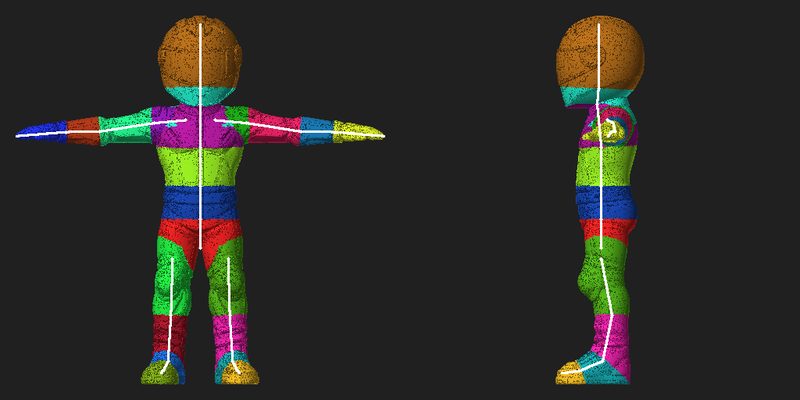
Classic auto-riggers ask for a perfect T-pose. AutoRig does not require it: the rig is fitted to the model as it is. When the legs do not stand side by side, the leg that stands on the floor sets the bone lengths and the joint order, and the other leg is traced on its own points, so both legs get the same bones. If the file already carries a skeleton or an animation, its own rest pose is used instead of a fit of the posed mesh.
A T-pose is still a fine input, it is just not a condition. More in the pose guide.
Beyond humanoids: nine rig categories
Every model goes into one of nine categories. Each has its own skeleton template, fit rules, skin rules, clip library and quality checks. The engine picks the category, so you do not choose a template.
- Biped and humanoid, including primates
- Quadruped: dogs, cats, bears, cows, pigs
- Equine: horses, deer, zebras, with planted-hoof walk, trot and gallop
- Bird: wings are rigged as wings, never as arms
- Serpent: snakes and other limbless bodies
- Monster: creatures that are neither a plain animal nor a human
- Multilimb: spiders and bodies with more than four limbs
- Hands: a single hand, gloves, first-person arms, with per-finger joints
- Vehicle: cars, rigged as separate moving parts
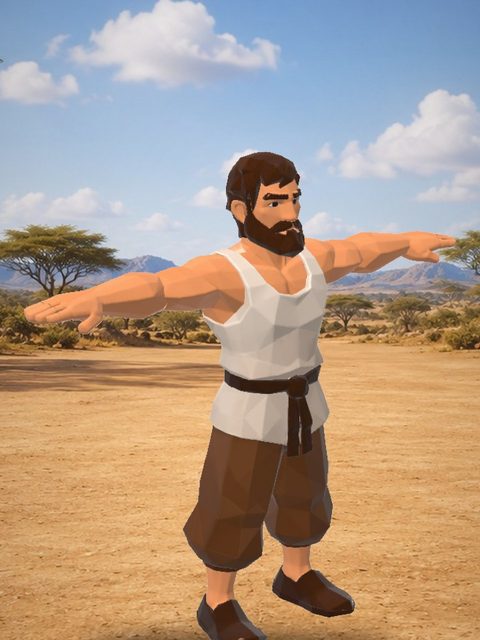
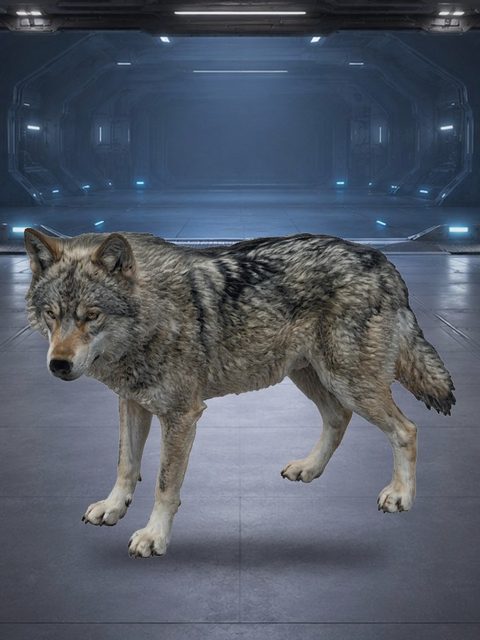
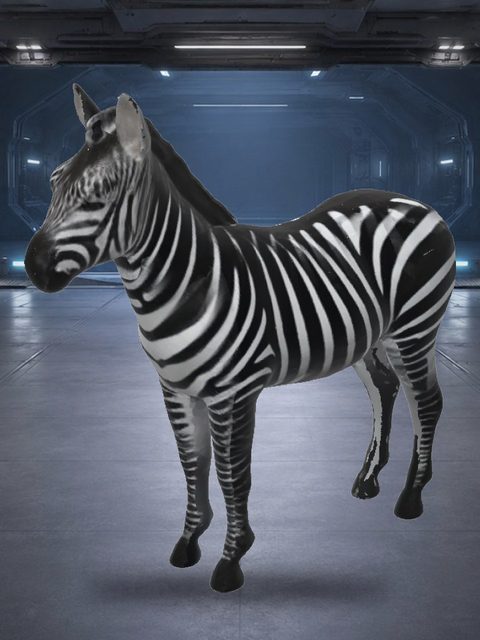
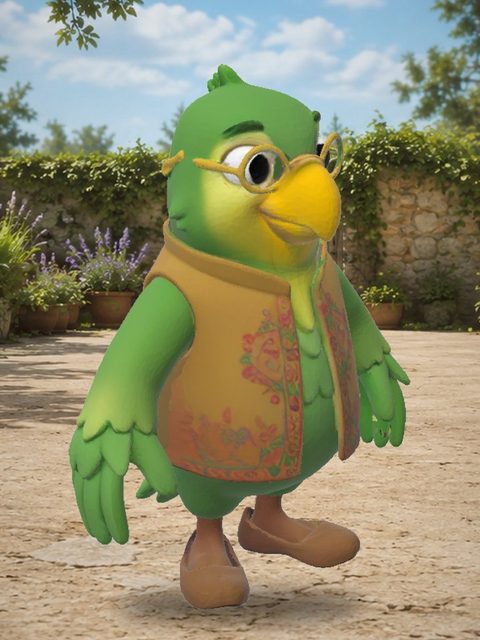
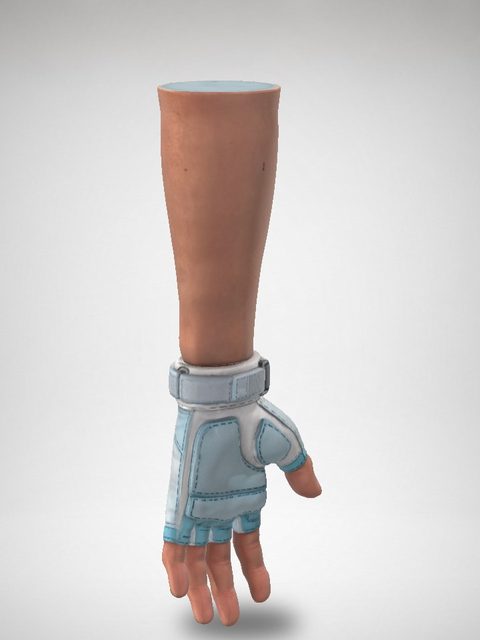
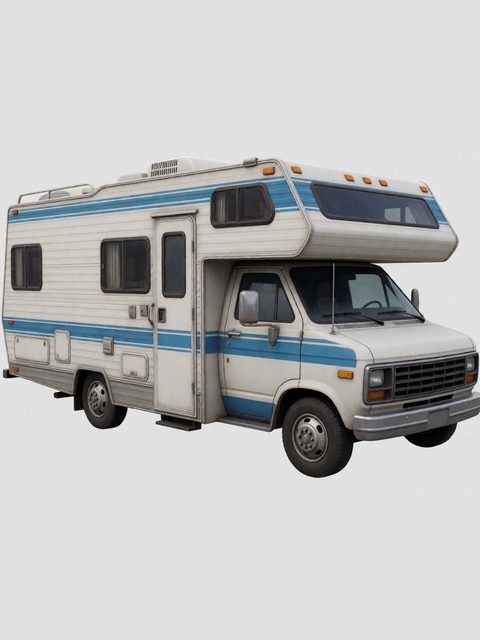
More on animals: animal rigging, dogs and horses.
Cars are rigged too
From one picture of a car, the vehicle conveyor segments the body, wheels, doors, hood, trunk, hatches, glass, lights and bumpers, isolates and restores every part as a whole object, and models each part as its own 3D object. Wheels are normalised to cylinder colliders and the body is corrected to symmetry. Doors get hinges, and the cabin gets a seat, a steering wheel, pedals and a gear stick, with a rigged driver at the wheel. You review the parts in the viewer and accept, redraw or order each one as 3D. The free farm is the default; the paid 3D clouds (Tripo, Hunyuan cloud) run only when you press their button.
See the vehicle conveyor step by step.
Animation clips at once
You do not have to find animation packs and retarget them by hand. Clips from the library of the model's category are retargeted onto the new rig right away: walk, idle, run, and for horses trot and gallop. Each clip passes a numeric deformation check, and you can add your own clips in the viewer. Details: animation retargeting.
The viewer: edit the rig, not just download it
- Blueprint mode (B): edit the bones with symmetry. The viewer re-rigs 15 seconds after your last edit, or at once with the button.
- Camera presets for the face, elbows, hands, knees, feet and heels.
- Skeleton confirmation is offered and never required: the animation is made without waiting for it.
- Session agent: one agent per task, answering in the language of the person who created it.
- Environment scenes with baked lighting, so you judge the rig in a real setting.
Unity, Unreal and Blender
Download the file your pipeline likes: GLB or FBX for Unity, FBX for Unreal, USDZ for Apple devices, a Unity package, a Blender file or a ZIP with everything. See the guides for GLB in Unity, FBX in Unreal and GLB vs FBX, or work from Blender with the Blender plugin.
How to use it
- Drop a model, a picture, a picture of a car or text on the upload zone on the home page.
- Watch the stages in the viewer: voxels, erosion, bones and skin.
- Play the clips. Edit the bones in blueprint mode if you want to.
- Download the rig and the clips in the format you need.
When a Mixamo-style workflow makes sense
- prototyping a game character fast
- testing several characters and picking the best
- getting a baseline rig before manual polish
- rigging things Mixamo-style tools do not cover: animals, birds, hands, cars
FAQ
Is this free?
You can try free conversions first. After that, AutoRig Unlimited Monthly costs $20/month, see pricing.
Do I need a T-pose?
No. The rig is fitted to the model as it is, in any pose. A T-pose is fine, but it is not a condition.
Do you support non-human models?
Yes. Animals, horses, birds, serpents, monsters, multilimb creatures, hands and cars each have their own category, skeleton template and clip library.
Does it replace manual rigging?
For prototypes, NPCs and previews it often does. Blueprint mode lets you polish the bones, and hero characters still often get manual polish.