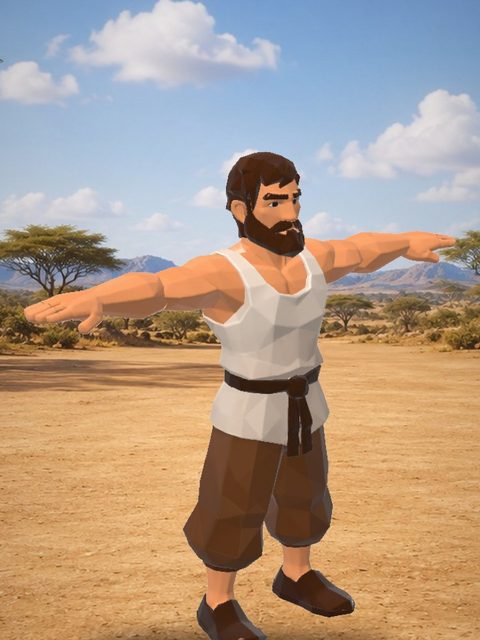
Biped and humanoid
Characters, robots and primates on two legs. When the legs do not stand side by side, the leg on the floor sets the bone lengths and joint order for the other leg.

Drop in a 3D model, a picture, a picture of a car or anything else. AutoRig builds the skeleton and the skin in seconds, retargets animation clips at once and opens one viewer for the rig, the animation, the checks and the downloads.
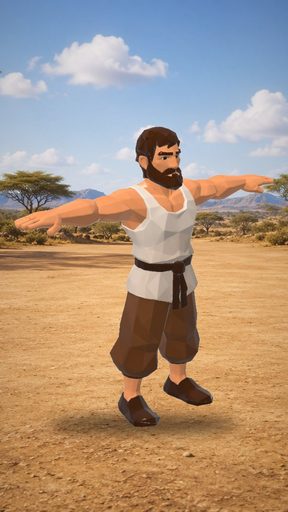

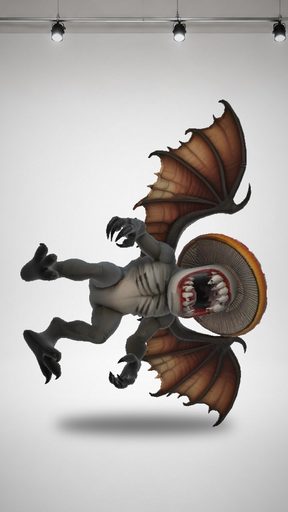
The same conveyor runs for every task. You see each stage in the viewer as it happens.
Drop a 3D model (GLB, FBX, OBJ or a ZIP with textures), a picture, a picture of a car, or text. One upload zone takes all of them. A picture becomes a 3D model first and then goes on to the rig. A picture of a car goes to the vehicle conveyor.
The engine reads the geometry and picks the rig category. It fills the model with voxels, erodes them to find the inner axis of every limb, places the bones and binds the skin. This takes seconds.
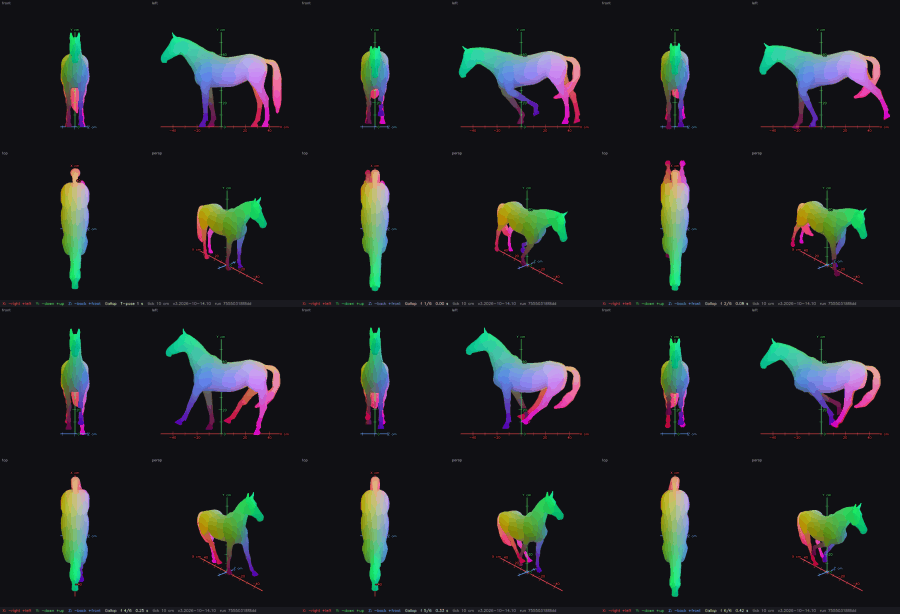
Clips from the category library are retargeted onto the new rig right away: walk, idle, run, and for horses trot and gallop. Every clip passes a numeric deformation check. You can add your own clips in the viewer.
A model's own textures are never lost. A model without textures gets PBR textures automatically (albedo, roughness, metallic, normal, emissive), made from its own projections. The textured model is what the vision checks and the previews use.
While you watch the model move, the checks run in the background of the viewer: joint placement, skin tears, limb collisions, deformation numbers and a vision review of the textured model. Rig quality comes before speed.
Every task opens in one viewer with an agent chat. Edit the skeleton in blueprint mode, or confirm it when the viewer offers. The confirmation is never required: the animation does not wait for it.
Download the model as GLB, FBX, USDZ, a ZIP, a Unity package or for Blender. The same rig works in engines, in Blender and on the web.
These are real outputs of the conveyor, not mock-ups: bones and skin weights, and the frames of animation clips.
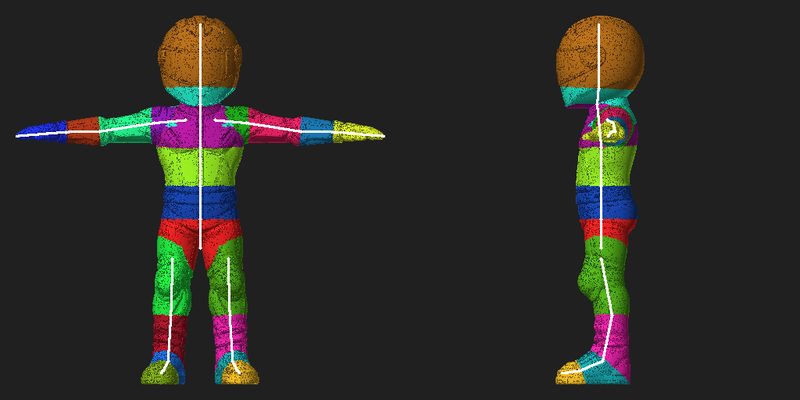
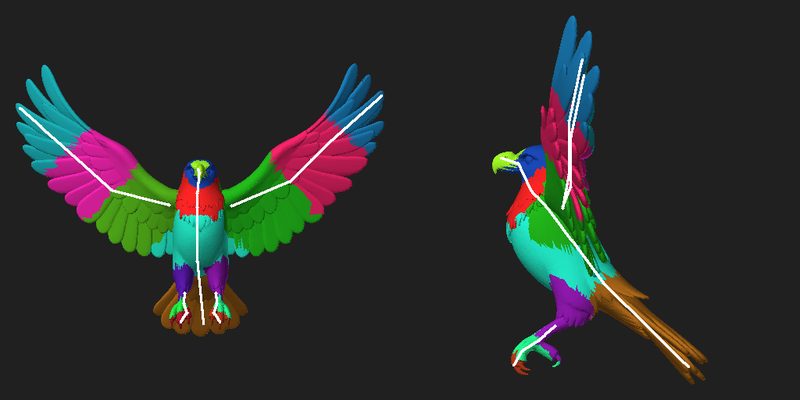
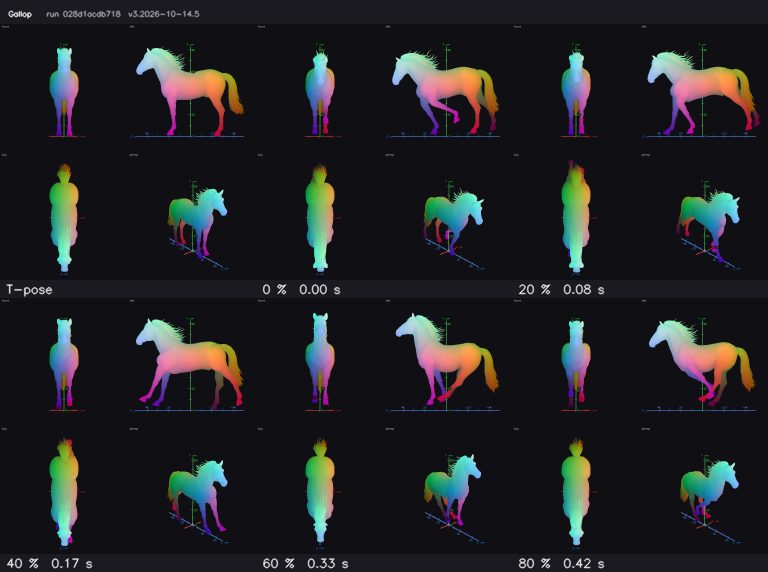
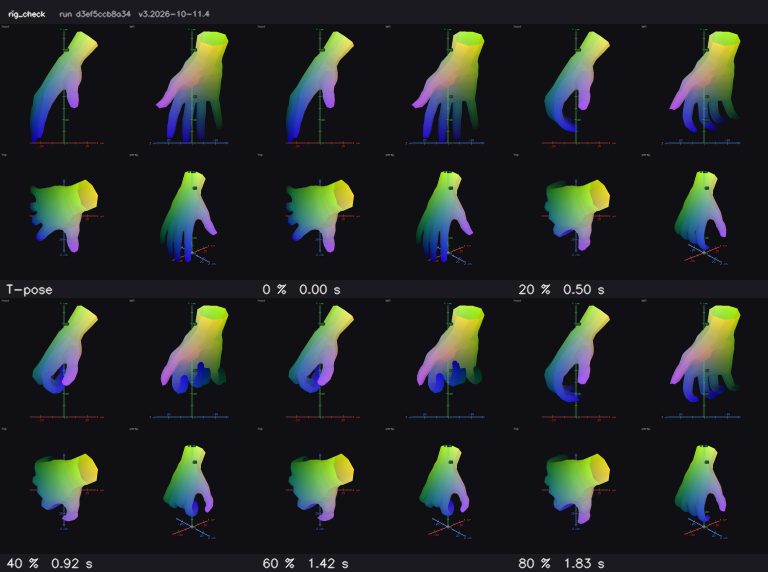
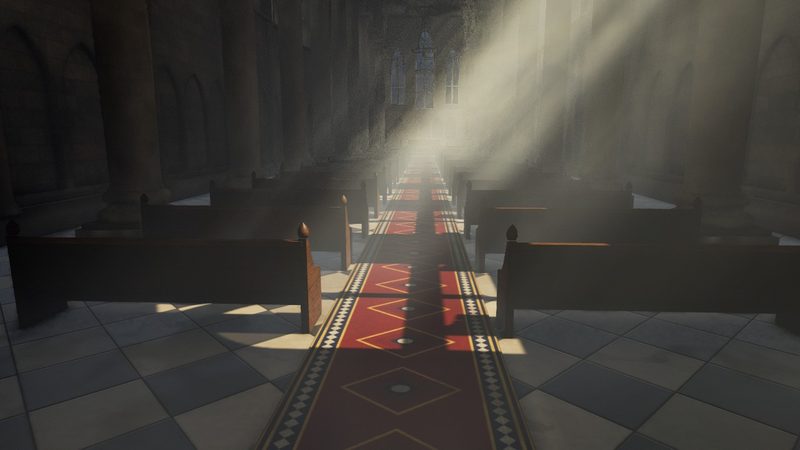
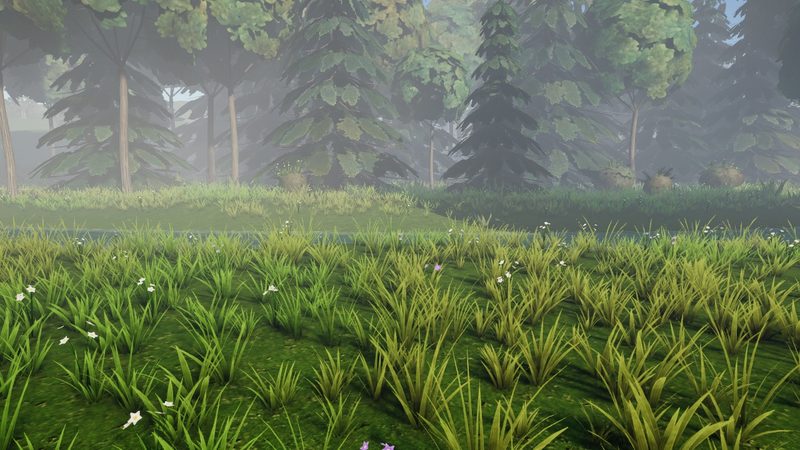
The viewer opens on a black scene at once and plays the stages (voxels, erosion, bones, rig) while the mesh loads. Then it loads the environment scene, with baked lighting, reflection and light probes, and colliders.
Press B to edit the bones, with symmetry. The viewer re-rigs 15 seconds after your last edit, or at once with the button.
Jump to the face, elbows, hands, knees, feet or heels to check a joint up close.
Every control shows its hotkey. Right mouse button pans, middle mouse button orbits.
One agent per task, shared by everyone who opens it. It answers in the language of the person who created the task.
The viewer offers to confirm the skeleton. You can skip it: the animation is made without waiting.
Add custom clips to the clip set of the task, next to the clips from the category library.
Pick a scene for the model to stand in. The viewer loads only the assets of the scene you choose.
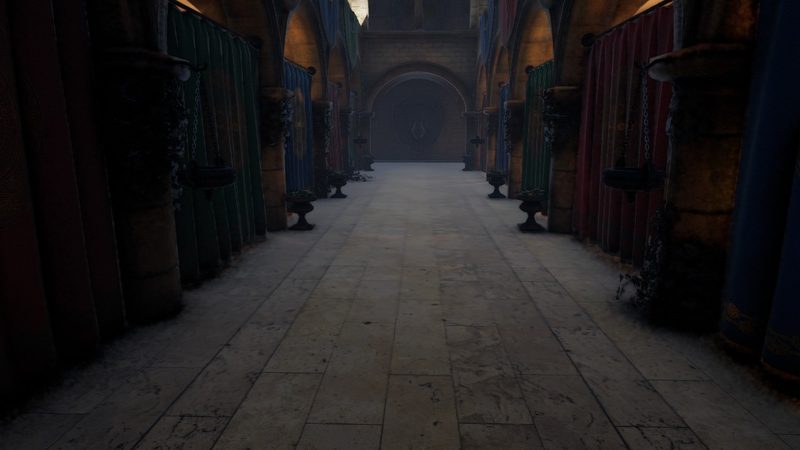
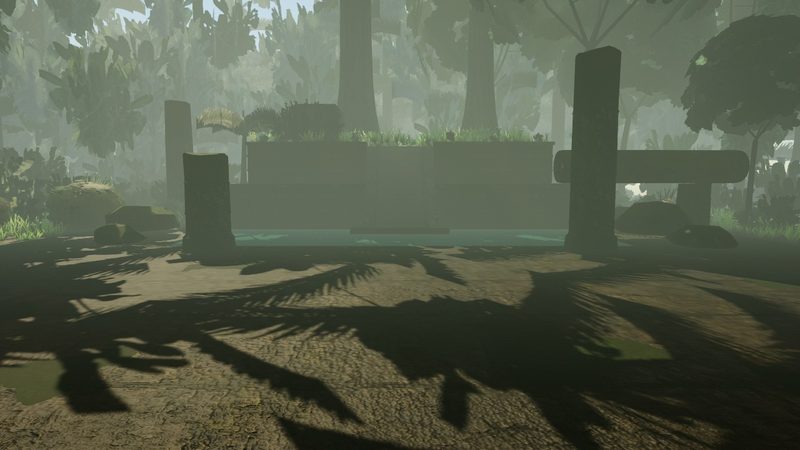
Every category has its own skeleton template, fit rules, skin rules, clip library and quality checks. The engine picks the category from the model, so you do not choose a template.
Characters, robots and primates on two legs. When the legs do not stand side by side, the leg on the floor sets the bone lengths and joint order for the other leg.
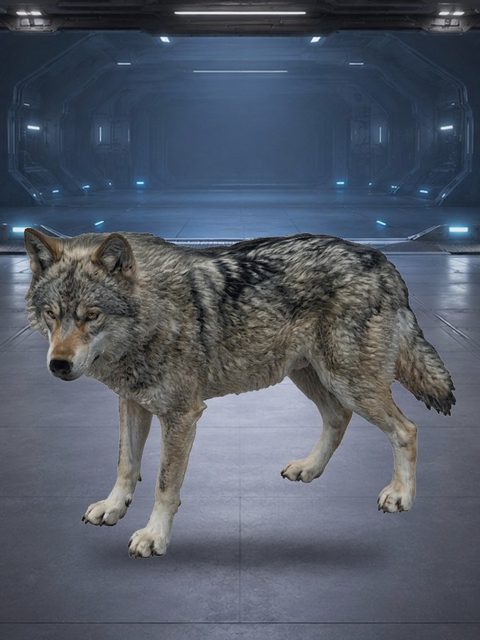
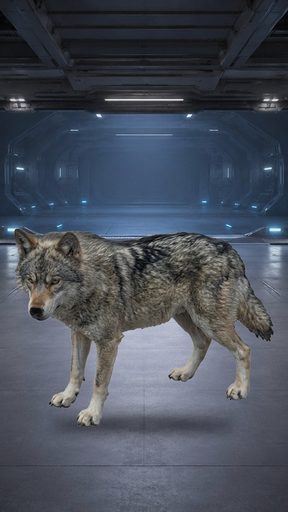
Dogs, cats, bears, cows, pigs and other four-legged animals, with their own skeleton, skin rules and gait clips.
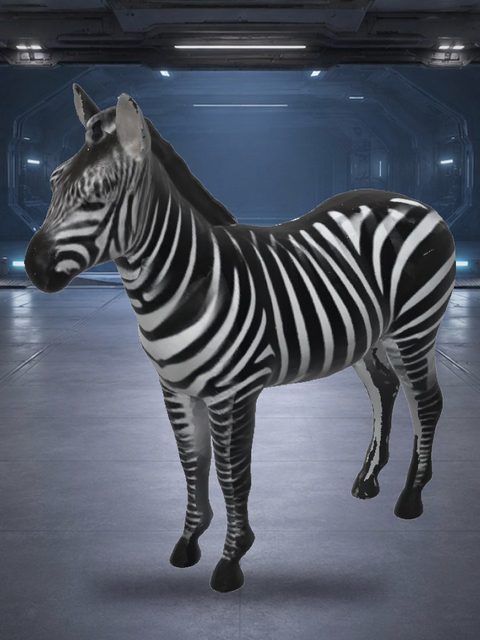
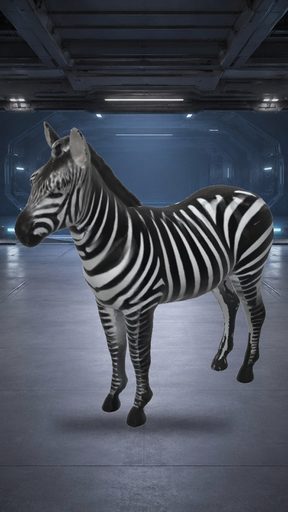
Horses, deer and zebras. The skeleton has scapula, elbow, mid-neck and leg profile joints, and the hooves stay planted in walk, trot and gallop.
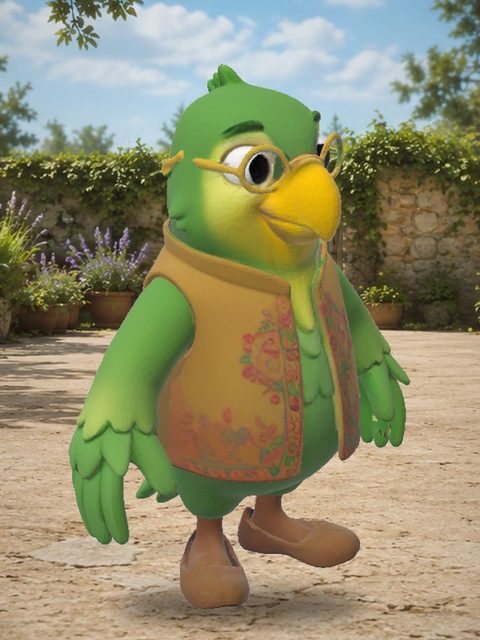
Birds with their own wing skeleton. The wings are rigged as wings, never as arms.

Snakes and other long bodies without limbs, with their own skeleton, skin rules and clips.
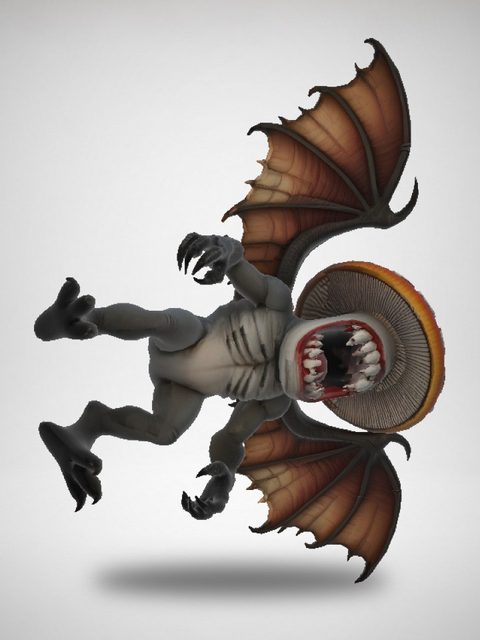
Creatures that are not a plain animal or a human, with their own template, fit rules and clip library.
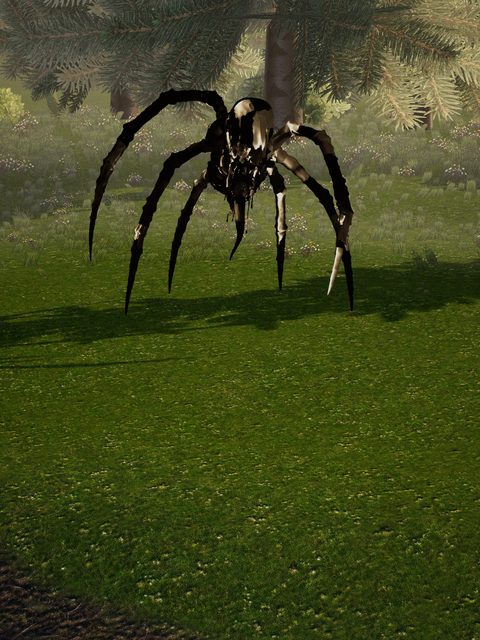
Spiders and other bodies with more than four limbs, each limb with its own chain.
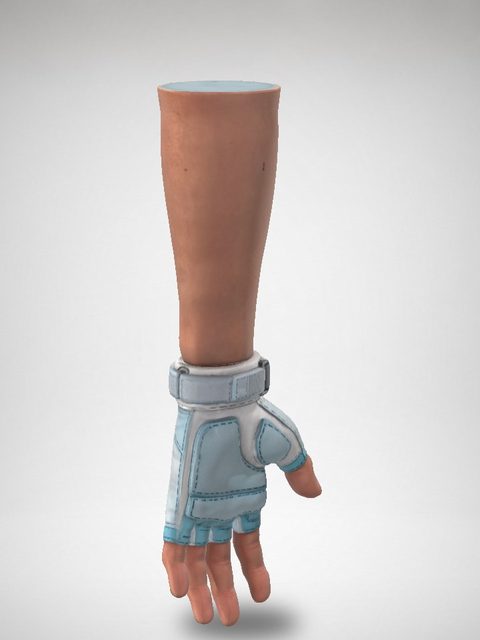
A single hand, gloves or first-person arms, with per-finger joints and hand clips.
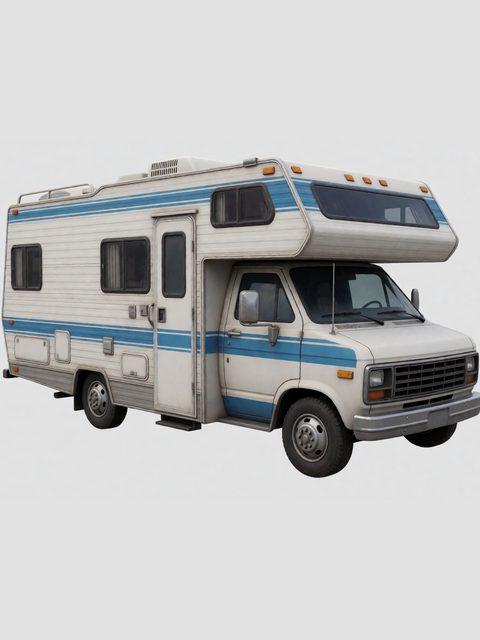
Cars are rigged too: the body, wheels, doors, hood and trunk move as separate parts. See the vehicle conveyor below.
A car starts from one picture and ends as a set of 3D parts that move: wheels that turn, doors that open, a driver at the wheel.
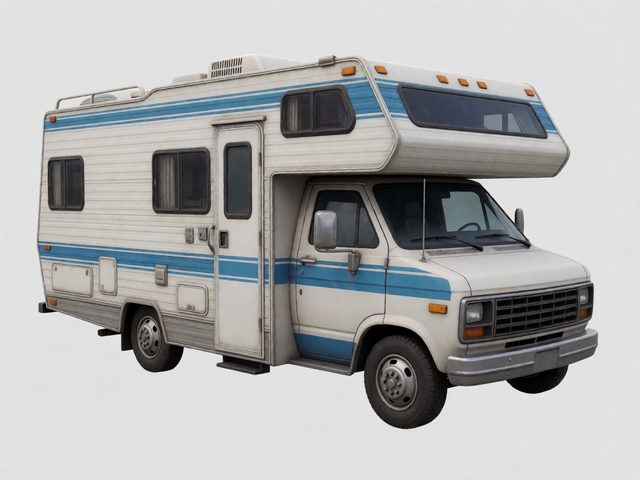
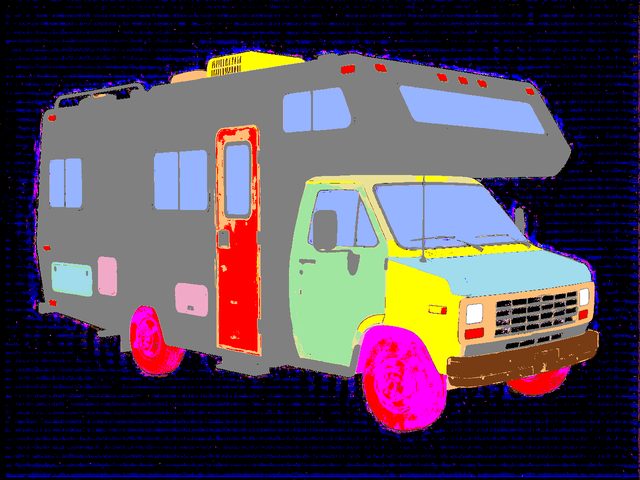
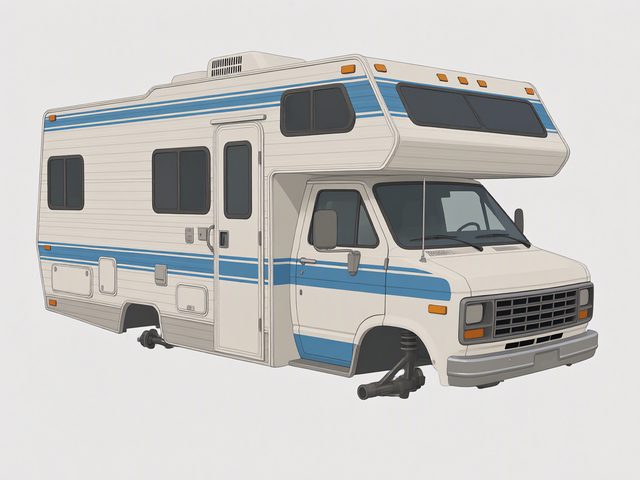
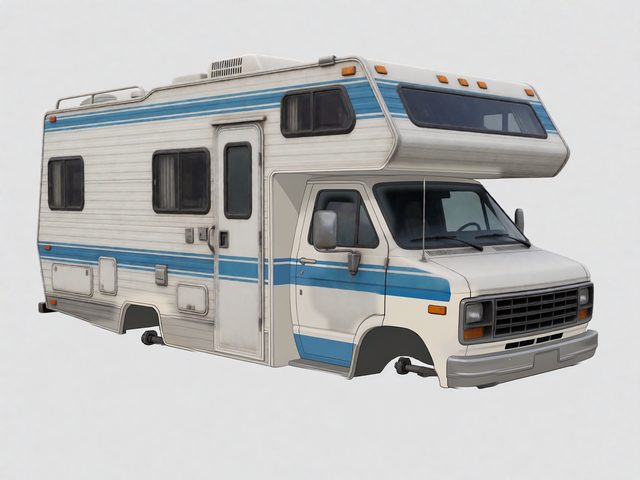
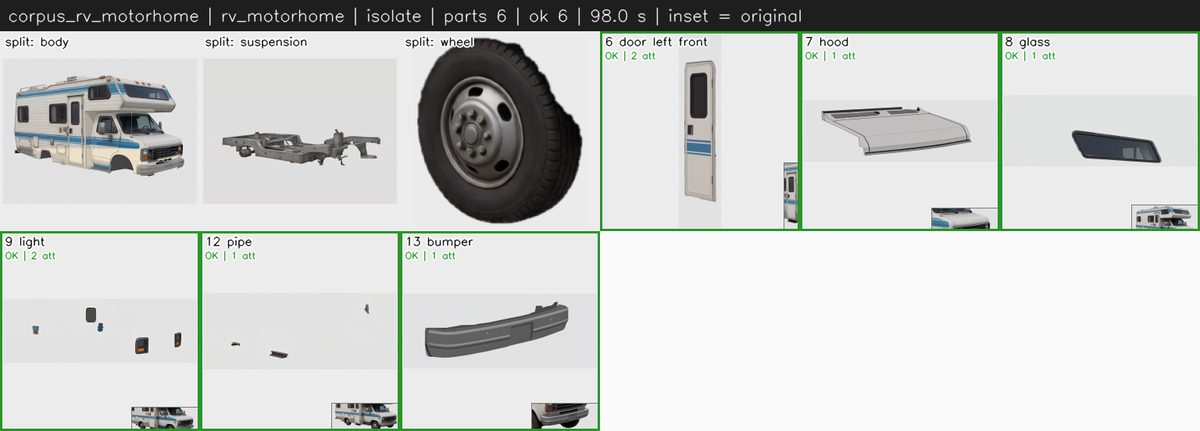
GroundingDINO and SAM2 masks and Qwen-image edits split the picture into the body, wheels, doors, hood, trunk, hatches, glass, lights and bumpers.
Every part is isolated and restored as a whole object. The body is drawn as a bare shell, without openables and glass.
The Parts panel shows every part. You accept it, redraw it or order it as 3D.
Each part becomes its own 3D object. The free farm is the default. The paid 3D clouds (Tripo, Hunyuan cloud) run only when you press their button.
Every wheel is normalised to a cylinder collider. The body is corrected to left-right symmetry with an FFD lattice.
Doors get hinges. The cabin gets a seat, a steering wheel, pedals and a gear stick.
A rigged driver is seated by IK at the seat, the wheel, the pedals and the gear stick.
A vehicle never goes through the humanoid rig. It has its own conveyor and its own checks.
The one-minute target is measured on every run. When a check that makes the rig right costs time, the check stays.
Every model that once broke a rig becomes a regression test.
Every engine release passes the autotests before it goes live.
Joint placement, skin tears, limb collisions and the deformation of every clip are measured, not judged by eye.
The Telegram notice of a finished task has defect buttons and links to the five most similar models.
One rig for every pipeline. Download what your engine or your 3D editor expects.
Drop a 3D model, a picture, a picture of a car or anything else. The first rig is ready in seconds.
Start Auto Rigging Now